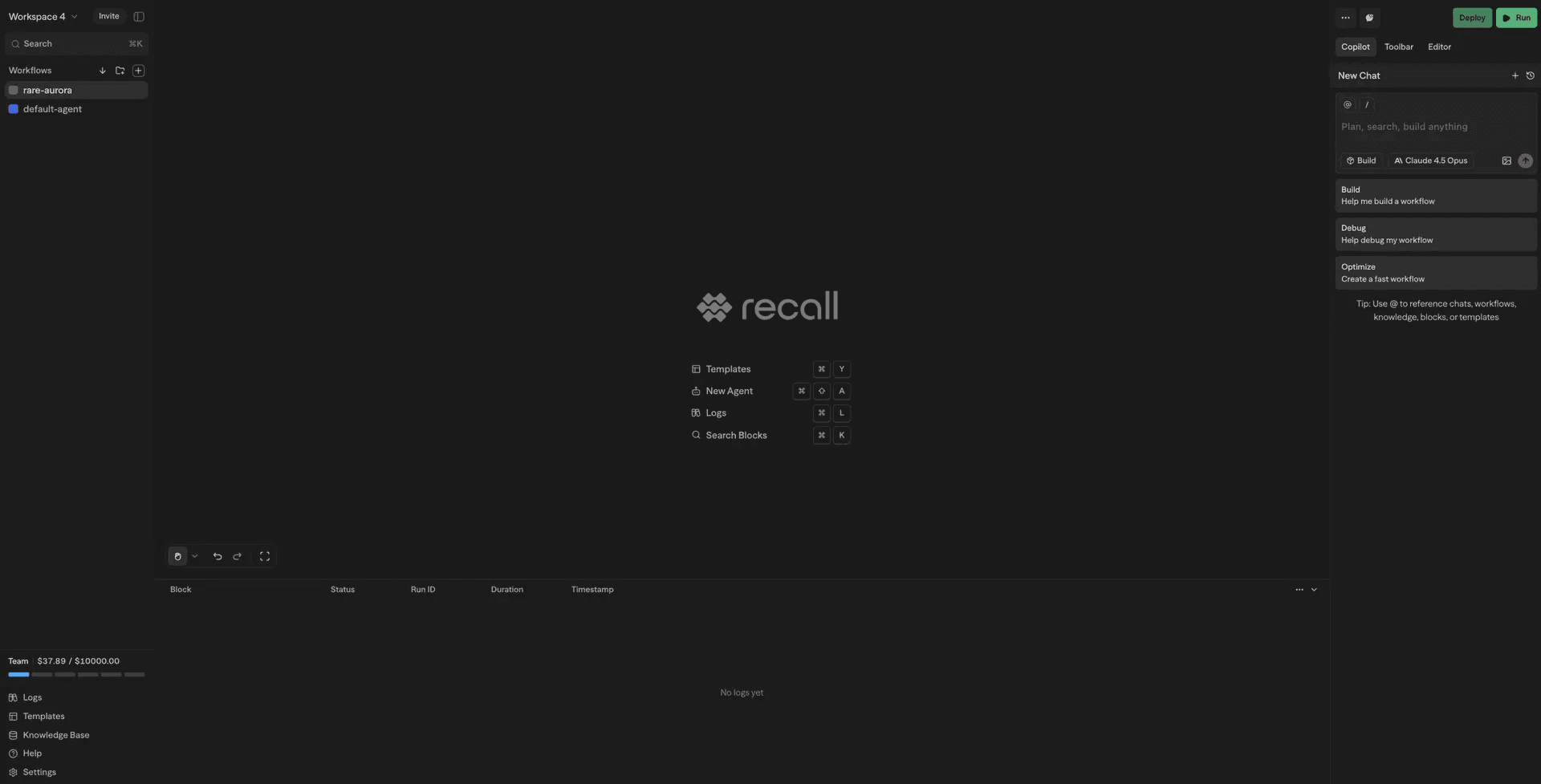
SteelEngine is an AI operations workspace for building, connecting, deploying, and governing AI agents. Start with a natural-language request in Chat or design deterministic automation on the visual canvas. Connect the tools, data, documents, and knowledge your agents need; deploy through apps and production interfaces; then monitor and govern every execution from one workspace.
The SteelEngine Lifecycle
Build
Create agents in Chat or on the visual workflow canvas. Test every step, combine AI reasoning with deterministic logic, and add human approval where judgment matters.
Connect
Use 1,000+ tools and integrations alongside built-in databases, tables, docs, and knowledge bases so agents can act with trusted business context.
Deploy
Publish automation as REST APIs, webhooks, Hosted Chat, A2A agents, schedules, email-driven Chat tasks, MCP tools, or Apps where enabled.
Operate
Trace execution inputs, outputs, cost, duration, and errors. Manage access, credentials, models, versions, billing, and deployment through the governance layer.
What You Can Build
AI Assistants & Chatbots
Build intelligent conversational agents that integrate with your tools and data. Enable capabilities like web search, calendar management, email automation, and seamless interaction with business systems.
Business Process Automation
Eliminate manual tasks across your organization. Automate data entry, generate reports, respond to customer inquiries, and streamline content creation workflows.
Data Processing & Analysis
Transform raw data into actionable insights. Extract information from documents, perform dataset analysis, generate automated reports, and synchronize data across platforms.
API Integration Workflows
Orchestrate complex multi-service interactions. Create unified API endpoints, implement sophisticated business logic, and build event-driven automation systems.
How It Works
Visual Workflow Editor
Design workflows using an intuitive drag-and-drop canvas. Connect AI models, databases, APIs, and third-party services through a visual, no-code interface that makes complex automation logic easy to understand and maintain.
Modular Block System
Build with specialized components: processing blocks (AI agents, API calls, custom functions), logic blocks (conditional branching, loops, routers), and output blocks (responses, evaluators). Each block handles a specific task in your workflow.
Flexible Execution Triggers
Launch workflows through multiple channels including chat interfaces, REST APIs, webhooks, scheduled cron jobs, or external events from platforms like Slack and GitHub.
Real-time Collaboration
Enable your team to build together. Multiple users can edit workflows simultaneously with live updates and granular permission controls.
Integrations
SteelEngine provides 1,000+ tools and integrations across 180+ connected services:
- AI Models: OpenAI, Anthropic, Google Gemini, Groq, Cerebras, local models via Ollama or VLLM
- Communication: Gmail, Slack, Microsoft Teams, Telegram, WhatsApp
- Productivity: Notion, Google Workspace, Airtable
- Development: GitHub, Jira, Linear, automated browser testing
- Search & Data: Google Search, Perplexity, Firecrawl, Exa AI
- Databases: PostgreSQL, MySQL, Supabase, Pinecone, Qdrant
For custom integrations, leverage our MCP (Model Context Protocol) support to connect any external service or tool.
Chat
Ask Questions & Get Guidance
Chat answers questions about SteelEngine, explains your workflows, and provides suggestions for improvements. Use the @ symbol to reference workflows, blocks, documentation, knowledge, and logs for contextual assistance.
Build & Edit Workflows
Let Chat propose and apply changes directly to your canvas. Add blocks, configure settings, wire variables, and restructure workflows with natural language commands.
Adaptive Reasoning Levels
Choose a model, then choose from its supported reasoning levels: Fast, Balanced, Deep, or Max. Balanced is the default; models without a reasoning control do not show the picker. Scheduled Sub Agents offer the same model and reasoning choices as Chat.
Learn more about Chat capabilities and how to maximize productivity with AI assistance.
Deployment Options
Cloud-Hosted
Launch immediately at steelengine.com with fully managed infrastructure, automatic scaling, and built-in observability. Focus on building workflows while we handle the operations.
Self-Hosted (Enterprise)
Deploy on your own infrastructure using Docker Compose or Kubernetes with an Enterprise subscription. Maintain complete control over your data with support for local AI models through Ollama integration. Contact sales@steelengine.com for details.
Next Steps
Ready to build your first AI workflow?
Getting Started
Create your first workflow in 10 minutes
Workflow Blocks
Learn about the building blocks
Tools & Integrations
Explore 1,000+ tools and integrations
Team Permissions
Set up workspace roles and permissions
Organizations & Workspaces
Understand the URL structure, personal orgs, and switching scopes