What It Does
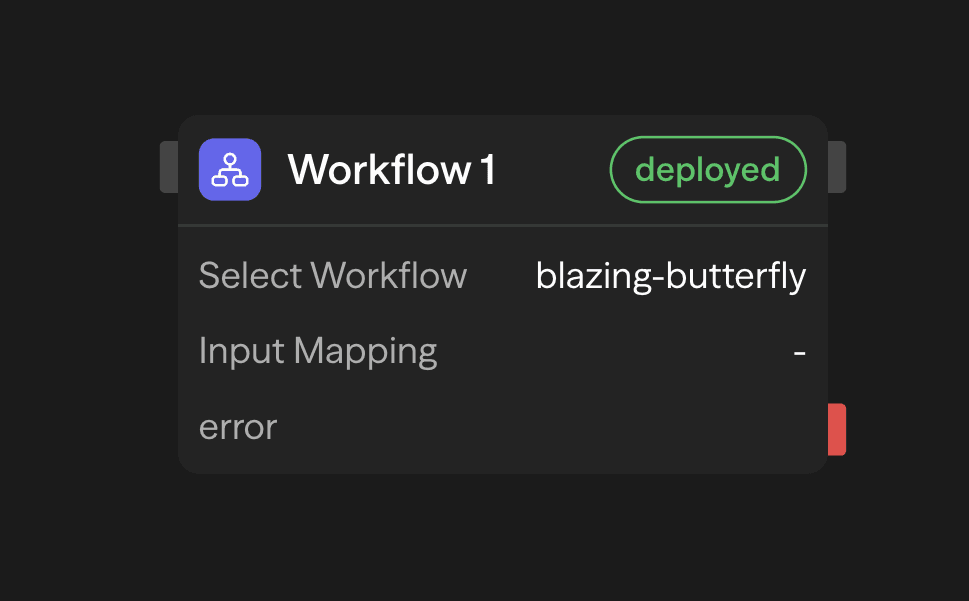
Drop a Workflow block when you want to call a child workflow as part of a larger flow. The block runs the child inline, waits for it to finish, and then continues with the parent.
Which version of the child runs depends on how the parent is running:
- Deployed runs (API, schedule, webhook, chat, or any other execution of a deployed version) run the child's deployed version. If the child has never been deployed, the block fails with
Child workflow is not deployed. Please deploy the workflow before invoking it. - Manual runs from the editor run the child's current draft, so you can test a parent and its children together before deploying either.
The child must belong to the same workspace as the parent. It must also have exactly one enabled Start or Input trigger. A child that can only be started by an external event (a webhook or schedule, for example) cannot be called inline.
Configure It
- Select Workflow from the dropdown (self-references are blocked to prevent loops).
- Inputs: If the child workflow's Start block defines an Input Format, you'll see each field and can connect parent variables. The mapped values are what the child receives.
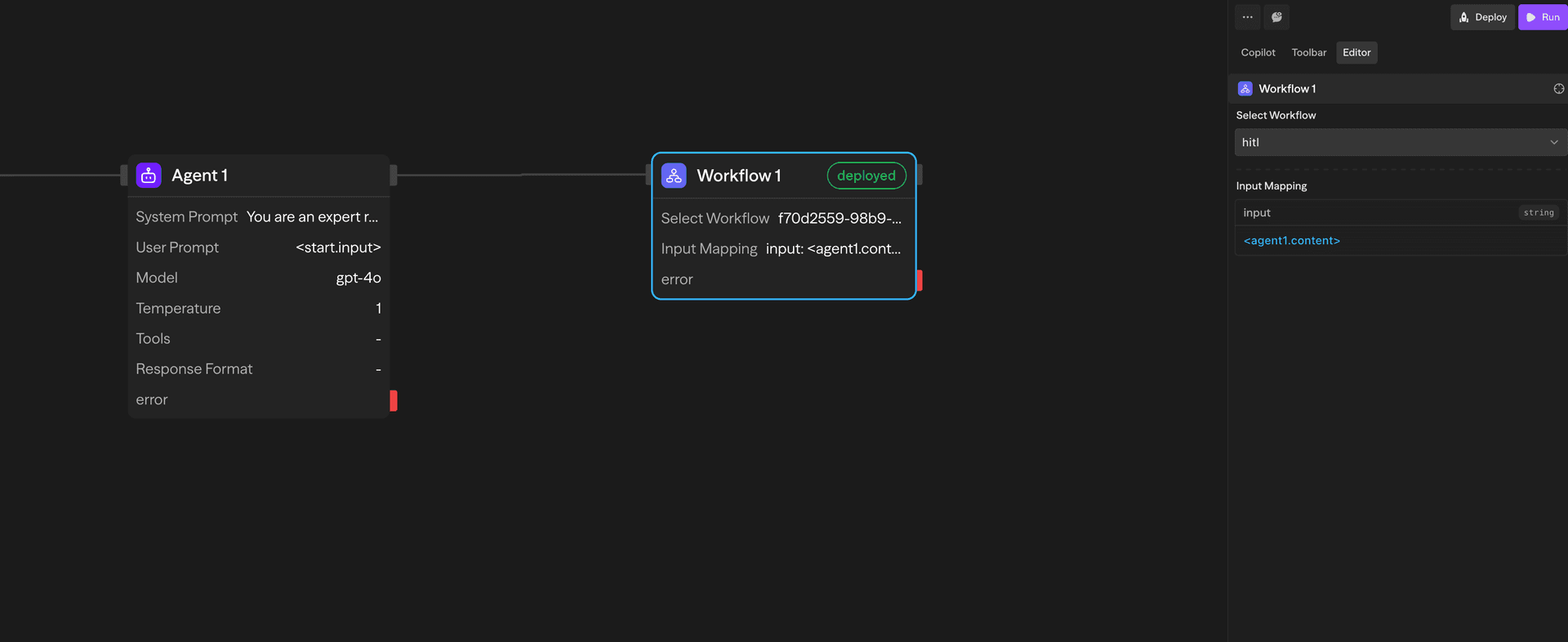
- Outputs: After the child finishes, the block exposes:
result– the child workflow's final responsesuccess–truewhen the child finished (a failed child raises an error instead, see below)childWorkflowName– the name of the child workflow (string)childWorkflowId– the ID of the child workflow (string)childWorkflowSnapshotId– the ID of the snapshot the child ran from (string)error– message when the run fails. Only present on the block's error path
Deployment Status Badge
The Workflow block shows a badge on the canvas when the selected child workflow needs attention:
- undeployed (red) – The child workflow has never been deployed. Deployed runs of the parent fail until you deploy it.
- redeploy (amber) – The child workflow has changed since its last deployment. Deployed runs of the parent keep using the older deployed version until you redeploy.
No badge is shown when the child is deployed and current. Click the badge to deploy or redeploy the child from the canvas. This requires admin permission on the workspace, and the tooltip says so when you lack it.
Deployed runs of the parent execute the child's most recent deployed version, not its editor draft. Redeploy the child after changing it, or the parent keeps calling the old logic. Manual runs from the editor use the child's draft and are not affected.
Execution Notes
- Child workflows run in the same workspace context, so environment variables and tools carry over. A child from another workspace cannot be selected or executed.
- The block uses deployment versioning: API, schedule, webhook, and chat executions of a deployed parent call the child's deployed snapshot. Redeploy the child when you change it.
- If the child fails, the block raises an error unless you handle it downstream. The message names the child and, for nested chains, lists the path:
Workflow chain: Parent → Child → Grandchild | <root error>. - Live block events from child workflows stream to the editor and the API for up to 3 levels of nesting. Deeper children still run, but their per-block events are not streamed.
Keep child workflows focused. Small, reusable flows make it easier to combine them without creating deep nesting.